

Free tool
Renovation Preview: see your room renovated in ten seconds.
Take a photo of your kitchen, bathroom, basement or any room in your home and pick a look. In about ten seconds you get that same room renovated, with your walls, windows and layout kept exactly where they are.
Add a photo of your room
Stand in the doorway and get as much of the room in frame as you can. Turn the lights on.
Take one now or pick from your library. JPEG, PNG or WebP.
Your first design is free, and you do not need to give us your details to see it.
- An exact design option worked out for your actual room
- A full price breakdown of what the renovation would cost
- A realistic timeline, and the permits your project needs
How it works
You do not need any design software.
Upload a photo
Stand in the doorway of the room and get as much of it in frame as you can. Turn the lights on. A normal phone photo is fine.
Pick the room and the look
The tool reads the room and suggests a style from your photo. Change either one, and it keeps your walls, windows and layout exactly where they are.
See it renovated
About ten seconds later you get a realistic picture of the same room with new finishes. Drag the slider to compare it against your photo.
Ask for the real plan and price
If you like what you see, send it to us. We come back with an exact design option for your room and what it will cost to build.
The styles
Which styles can I choose from?
Each one changes the finishes only. Your walls, windows and room layout stay exactly where they are.
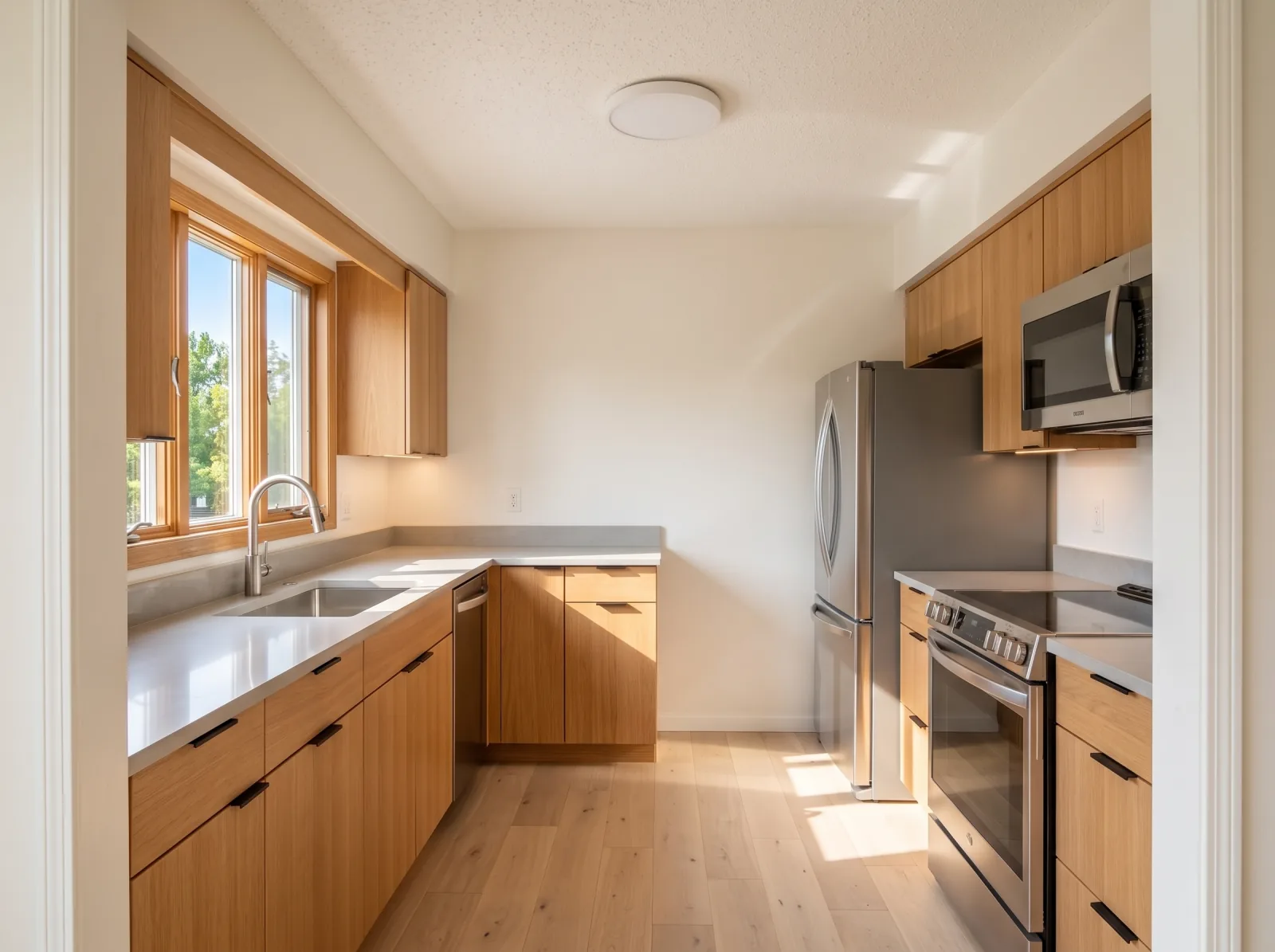
West Coast modern
Warm wood, black accents, lots of light
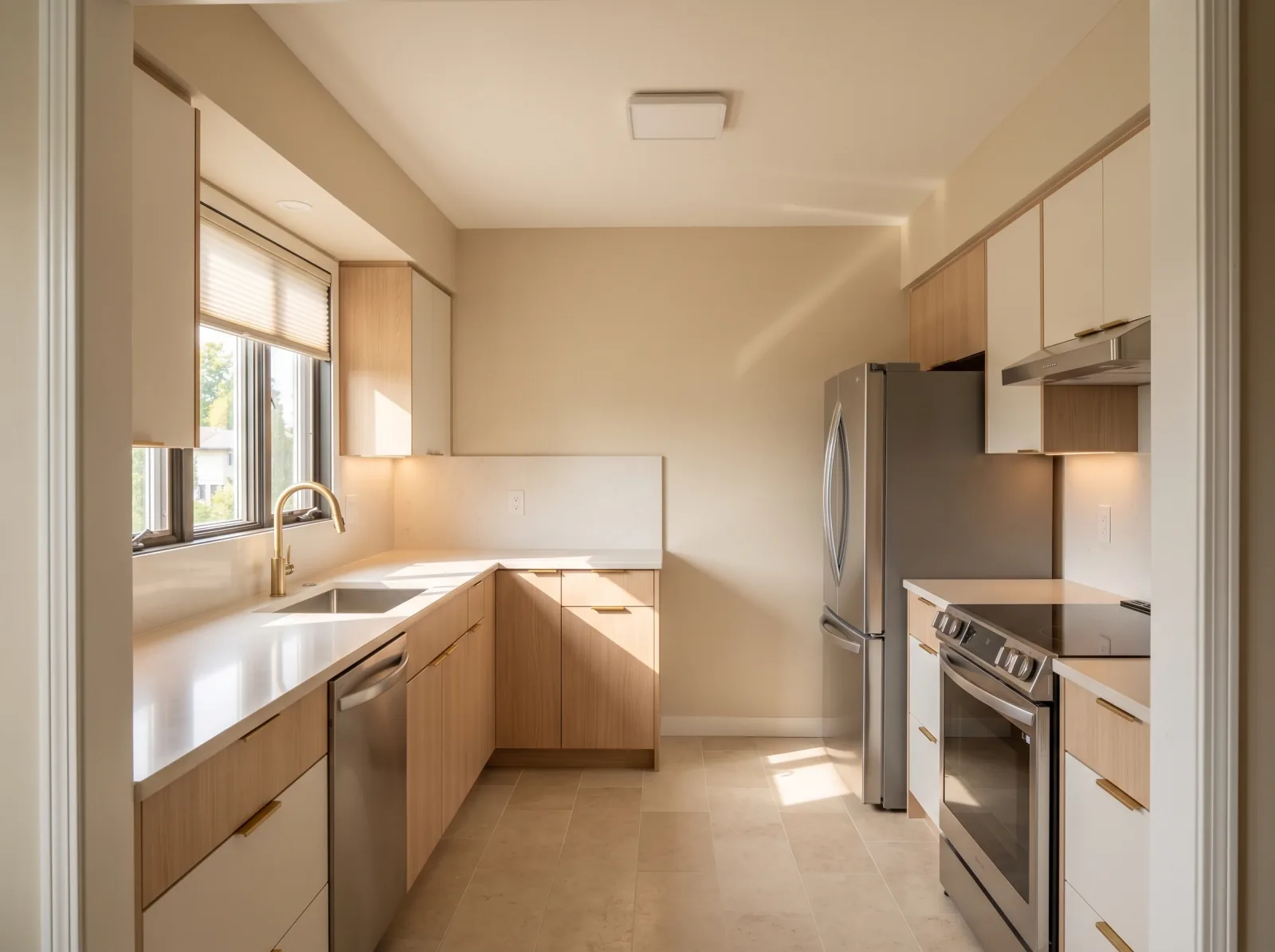
Warm minimal
Clean lines, soft neutrals, no clutter
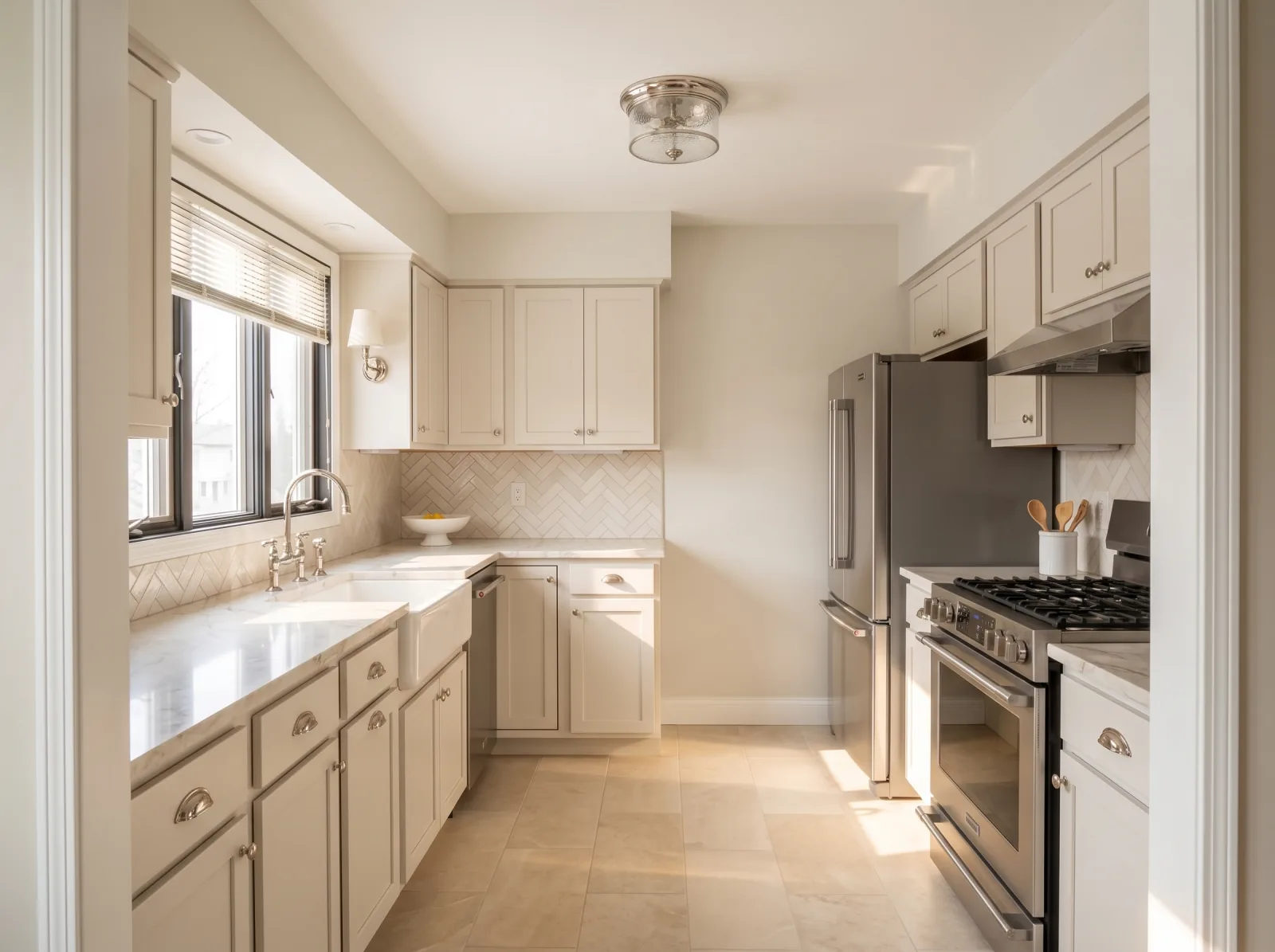
Classic transitional
Shaker doors, timeless, resale-friendly
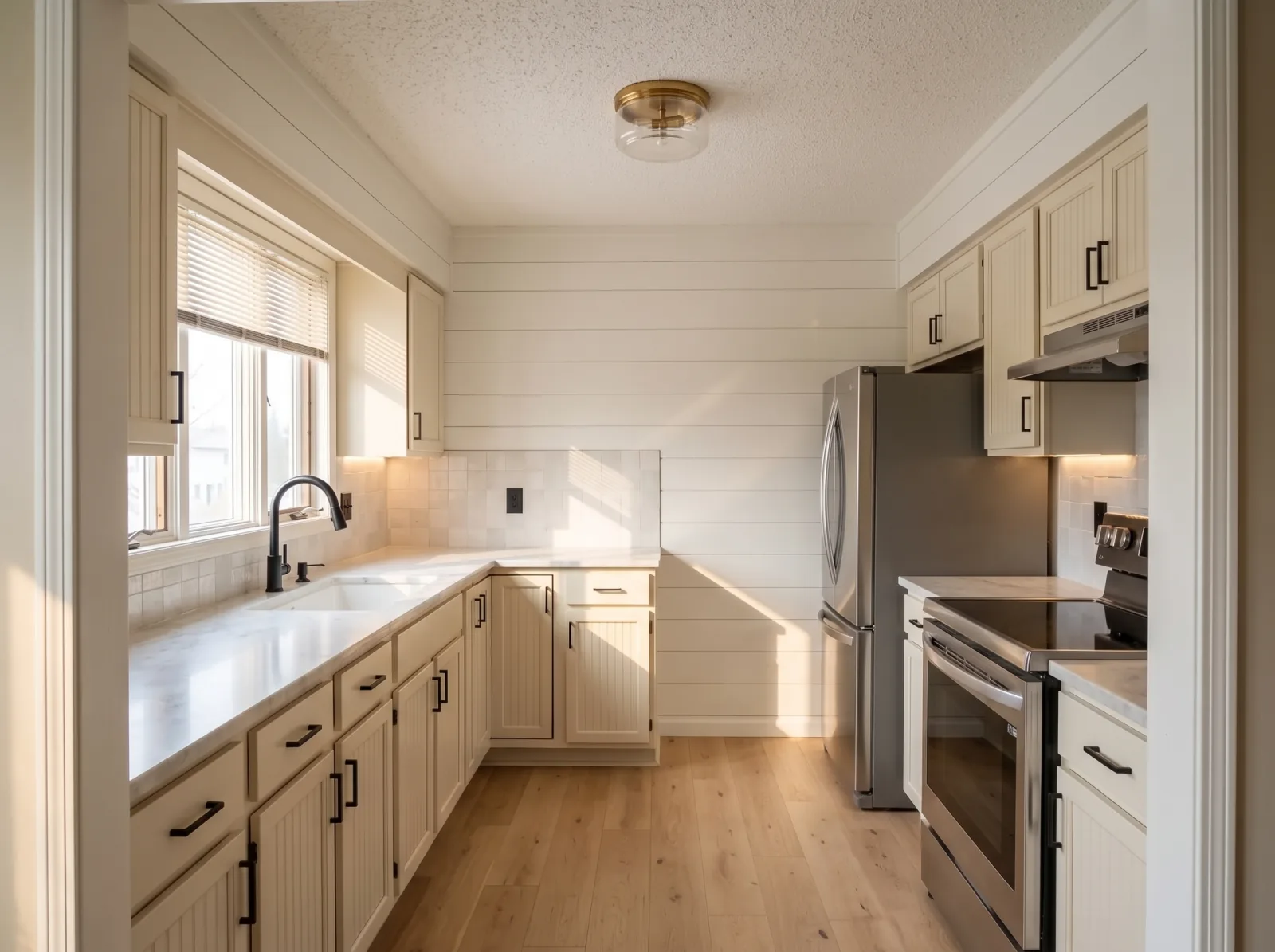
Modern farmhouse
Creamy white, natural wood, black taps
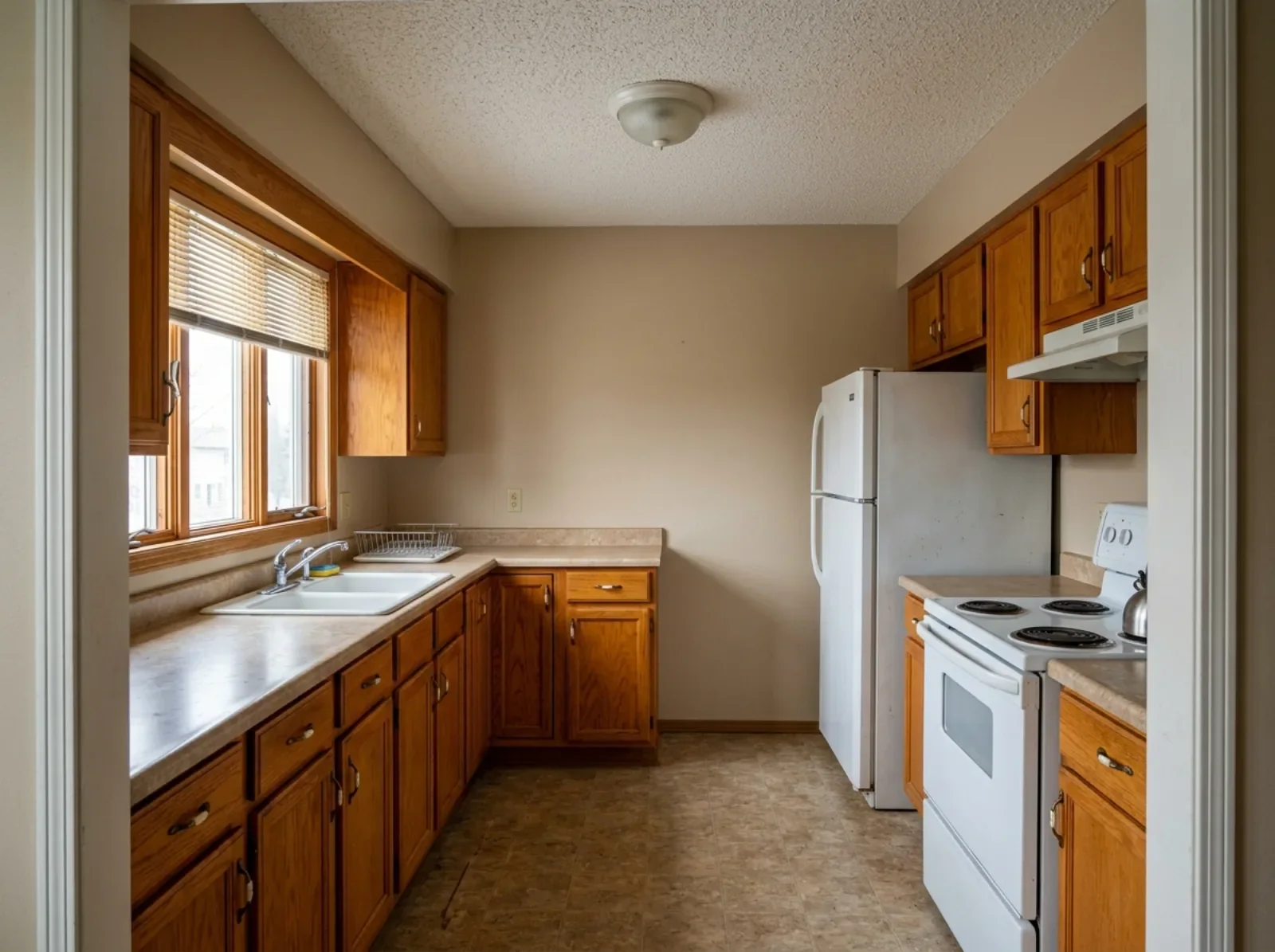
Every example above is the same kitchen, put through this tool once for each style. Only the finishes change: the window, the layout and the cabinet boxes stay where they are. The pictures are made by AI.
After the picture
What the real version of that room involves.
A preview shows you the finish. Our service pages cover what the work actually takes across Metro Vancouver: real cost ranges, permit rules, and how long each room takes.
Questions
Questions about Renovation Preview
What is Renovation Preview?
Renovation Preview is a free tool from Costar Construction, a Vancouver construction management company. Upload a photo of your kitchen, bathroom, basement or any other room, choose a design style, and about ten seconds later you get a realistic picture of that same room renovated. Your walls, windows, doorways and room layout stay exactly where they are, so you are looking at your own room finished, not a showroom or a stock photo. If you like the result you can send it to Costar and get an exact design option and a full price for the work, at no charge.
How can I see what my kitchen would look like renovated before I hire anyone?
Take a wide photo of your kitchen from the doorway with the lights on, then upload it to Renovation Preview. Pick a style and the tool returns a realistic picture of your own kitchen with new cabinets, counters, backsplash, flooring and lighting, while keeping the room's existing shape and window positions. It is free and takes about ten seconds, so you can compare several looks before you talk to a contractor.
Does it cost anything?
No. Your first design is free and you do not need to give us your name or email to see it. If you want to save that image or try another look at the same room, we ask for your name, email and phone number, and we email it to you along with a real price for the work.
Is the picture what my renovation will actually look like?
No. The picture is made by AI and shows one possible design direction. It is a starting point for a conversation, not a construction drawing. The materials, measurements and what is actually possible in your home get confirmed when we visit the site.
Do you keep my photo?
Your photo and the design are used to build the picture and to let our team know the tool was used, so we can follow up. If you ask us for a price, your photo and the design are emailed to our team so we can price the real room.
Which rooms does it work with?
It works with kitchen, bathroom, basement, living room, bedroom, and any other room in your home. It works best on a wide shot of a room in good light.
Which design styles can I choose in Renovation Preview?
You can choose from 4 styles: West Coast modern, Warm minimal, Classic transitional, Modern farmhouse. The tool suggests one that fits your photo, and you can change it. The room's walls, windows and layout stay the same in every style, so you can compare the looks on the same room. Appliances in every design are silver stainless steel.
How long does Renovation Preview take to make a design?
About ten seconds after you upload a photo and choose a style. Your first design is free and needs no name or email. Saving the image or asking for a second look at the same room asks for your name, email and phone number, and Costar then sends you the image along with a real price for the work.
Start the conversation